

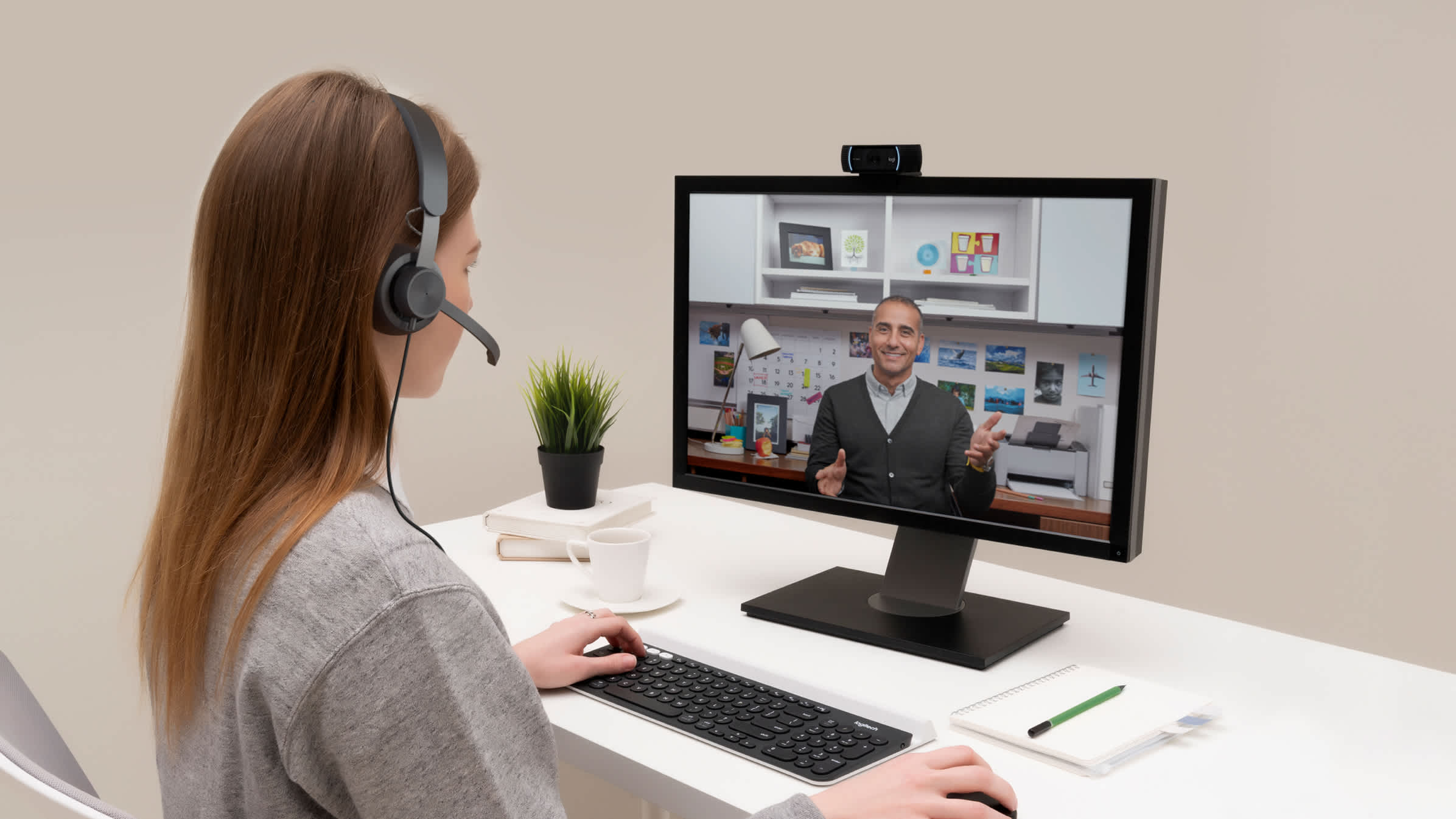
Introduction
Online training has made learning more accessible than ever, but having the right equipment plays a crucial role in ensuring a smooth and effective experience. Whether you’re attending live classes or completing self-paced courses, a proper setup helps you stay focused, engaged, and productive.
Essential Equipment for Online Training
1. Reliable Device
A functional device is the foundation of online learning. You can choose from:
- Laptop or Desktop Computer – Ideal for most courses, especially those involving assignments or software
- Tablet or Smartphone – Suitable for basic learning, video lectures, and reading materials
A laptop is generally preferred because it offers flexibility and better multitasking capabilities.
2. Stable Internet Connection
A fast and reliable internet connection is critical for uninterrupted learning. It ensures:
- Smooth video streaming
- Clear audio during live sessions
- Quick access to course materials
A minimum speed of 10–20 Mbps is recommended for a seamless experience.
3. Headphones or Earphones
Good-quality audio equipment improves concentration and clarity. Benefits include:
- Reduced background noise
- Better understanding of lectures
- Enhanced focus during sessions
Noise-cancelling headphones are especially useful in shared environments.
4. Webcam
A webcam is important for interactive sessions, especially if your course includes:
- Live discussions
- Presentations
- Group collaborations
Most laptops come with built-in webcams, but external ones often provide better quality.
5. Microphone
Clear communication is essential in online training. A dedicated microphone helps:
- Improve voice clarity
- Reduce echo and background noise
- Enhance participation in discussions
Many headphones come with built-in microphones, which work well for most learners.
Additional Useful Equipment
1. External Keyboard and Mouse
These accessories improve comfort and efficiency, especially during long study sessions.
2. Second Monitor
A dual-screen setup can boost productivity by allowing you to:
- View lectures on one screen
- Take notes or complete tasks on another
3. Power Backup
A power backup system like a UPS or power bank ensures you don’t lose progress during outages.
4. Notebook and Stationery
Even in digital learning, writing notes by hand can improve retention and understanding.
5. Comfortable Workspace Setup
A proper study environment includes:
- Ergonomic chair
- Clean desk
- Adequate lighting
This setup helps prevent fatigue and keeps you focused.
Software Requirements
Along with physical equipment, certain software tools are essential:
- Video conferencing apps (for live classes)
- Web browsers (for accessing course platforms)
- Office tools (for assignments and presentations)
- Note-taking apps (optional but helpful)
Keeping your software updated ensures smooth performance and security.
Tips for Choosing the Right Equipment
- Assess your course requirements before investing
- Prioritize quality over quantity
- Ensure compatibility between devices and software
- Test your setup before starting sessions
Visual Setup Example
Conclusion
Having the right equipment for online training can significantly improve your learning experience. While you don’t need an expensive setup, investing in essential tools like a reliable device, stable internet, and good audio equipment can make a noticeable difference. A well-prepared environment allows you to focus on what truly matters—learning and growth.
FAQs
1. Can I use a smartphone for online training?
Yes, but it may not be ideal for tasks like assignments, multitasking, or long study sessions.
2. Do I need high-end equipment for online courses?
No, basic and reliable equipment is sufficient for most courses.
3. How important is internet speed for online learning?
Very important, as slow internet can disrupt live sessions and video playback.
4. Is a webcam mandatory for all courses?
Not always, but it is required for interactive sessions or assessments in some programs.
5. What type of headphones are best for online training?
Comfortable headphones with good sound quality and a microphone are ideal.
6. Can I attend online training without a microphone?
Yes, but you may face limitations in participating in discussions or group activities.
7. How can I improve my online learning setup on a budget?
Start with essential items, use built-in device features, and upgrade gradually as needed.
Comments are closed.