

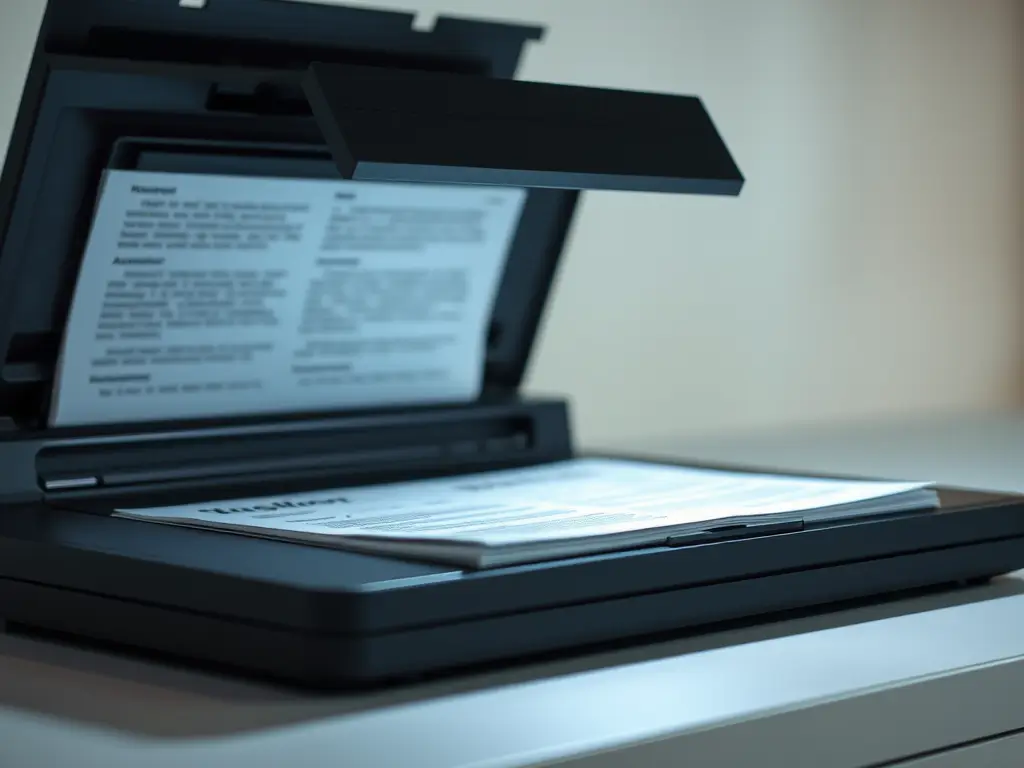
Choosing how to scan a paper archive starts with measuring the work. DIY may look inexpensive when you already own a scanner, but staff hours and rework belong in the budget too. When you’re digitizing physical documents, the right call depends on volume and how much staff time you can spare.
Start with scope, not boxes
Boxes don’t tell you much. One drawer of clean, single-sided invoices moves fast. A drawer of stapled contracts and folded drawings needs far more prep. Pull a sample and count pages before you set a date for the work.
Separate active files from deep archive. Active files are the ones people still pull each week, so you can’t box them for long. Backfile conversion is different. Those are old records you can stage and work through without daily interruptions. That split shapes your timeline more than any box count.
Note paper mix and bindings in your sample, and flag fragile sheets that can’t run through a feeder. Teams often budget for feed time and forget the prep work, along with QA checks for missing pages.
Set up a simple log for what has been scanned and what still needs review. It prevents rescans and lost pages when the project runs for weeks.
Add up the true cost of DIY
DIY cost is mostly labor: the person feeding the scanner and naming files. Fixes and rechecks add more time, even when the office already owns the equipment.
For a hypothetical example, suppose a pilot suggests 20 hours of preparation and scanning, 12 hours of indexing, and eight hours of quality checks. At an assumed loaded labor cost of $30 an hour, those 40 hours cost $1,200 before equipment, storage, or rework. Compare that estimate with a written vendor quote covering the same tasks and output. Your own pilot and labor costs should replace these example figures.
Indexing can account for a substantial share of the work, particularly when each file needs several metadata fields. Someone must type file names and add dates, while keeping related pages linked so search works. If you skip this step, you end up with a drive full of images no one trusts.
Also consider which routine work will be delayed while staff handle the archive.
Know what your equipment can handle
If your office has a multi-function printer or desktop scanner, test its feeder, duplex capability, and capture software before committing to the project. Mixed paper sizes and fragile originals may require separate handling. Remove staples to avoid damage. Scan a representative batch and inspect both sides of every sheet for missing content, clipping, and legibility.
Production scanners offer batch-handling features such as feeders and duplex capture. Capture software may also straighten and crop images. Before buying equipment, compare the cost and training time with your project volume and any ongoing scanning needs. Many teams start by comparing local options with a phrase like “scanning to pdf minneapolis” to see who can handle drop-off and pickup with clear handling steps.
A scan is not the same as a searchable file
An image-only PDF stores pictures of pages rather than a searchable text layer. Text search and copying require OCR or another text source. Without OCR and good file names, staff will still hunt for information, even after the paper has been scanned.
Optical character recognition (OCR) adds a searchable text layer, but recognition can introduce errors. Handwriting and faint receipts need particular attention. Test a batch before you commit, then check that files import into your document system with correct names and tags. Legibility and indexing both matter: staff need to find the right file and read its contents.
Aim for clean, legible output you can read at full size. Try 300 dpi for printed pages in your pilot, adjusting to meet your needs, and preserve color where it conveys information. Keep originals until scans pass review and your retention policy permits disposal; observe any legal holds. Test backups and access before relying on the digital archive. Test with accounts at different access levels: staff should find permitted records without seeing restricted files or their search previews.
Decide where files will live before you scan. Map folder names and required metadata fields, and decide whether you need PDF for daily use or TIFF for archive. If you outsource, ask whether the provider can match scans to existing data and supply metadata in a CSV or another agreed format. Specify output for your folders or document management system, then test that handoff to avoid reworking files on import. Agree on permissions and the delivery method up front.
Make the call: DIY, outsourced, or hybrid
Deadlines force the choice. A loan closing or an audit request can’t wait for someone to free up. Remote access needs add pressure too, when teams no longer share the same file cabinet. If files include health or financial details, you need locked handling and a clear chain of custody. Don’t take claims at face value. Ask for written steps and contract terms.
Ask how files move from pickup to return. You want a written record and a named contact if pages get lost.
Use this simple filter. Choose DIY when volume is low and paper is simple, provided you have real staff time to spare. Outsource when digitizing physical documents at high volume or under tight deadlines. Split the job when old archives can go out while new mail stays inside. Run a small test batch first. Check import and search before you scale.
You don’t have to love scanning to get it right. Count the work and test the output, then pick the path your team can keep. Files that are searchable and retrievable pay back the effort.
Comments are closed.